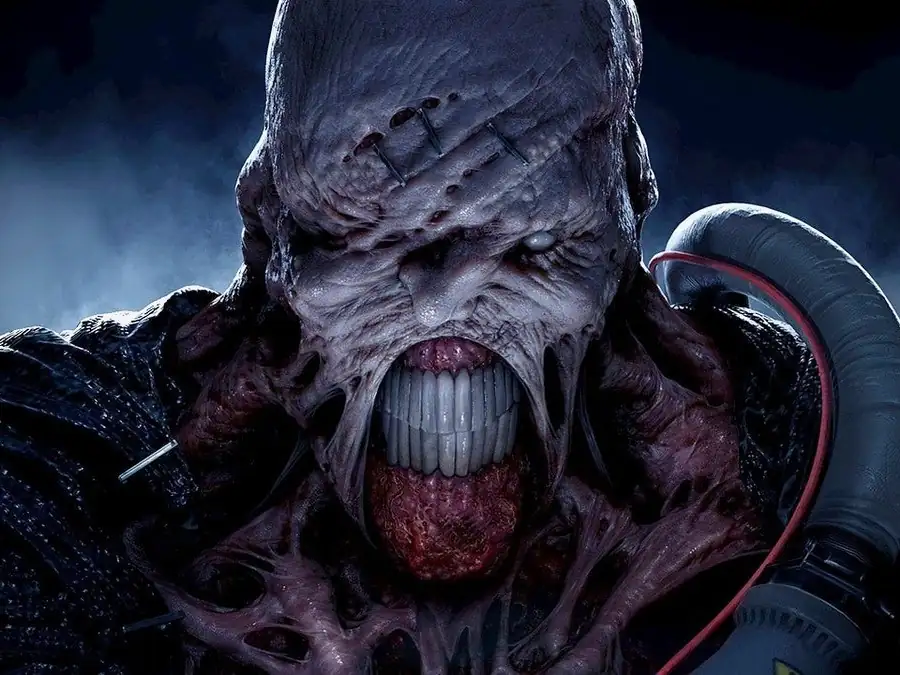
バイオハザード3 LAST ESCAPE
You are using the Safari browser. Only Safari on the latest macOS Sequoia 15.4.1 or iOS 18.4.1 is supported for proper functionality.
You are using the Firefox browser. Only the latest version of Firefox is supported.
Please enter 'about:config' in the Firefox browser, then search for 'javascript.options.wasm_js_promise_integration', set its value to true, and refresh this page to achieve optimal performance.
Please enter 'about:config' in the Firefox browser, then search for 'javascript.options.wasm_js_promise_integration', set its value to true, and refresh this page to achieve optimal performance.
Please install and use the latest version of Chrome or Edge for the best experience.
Mobile device browsers are not supported due to memory limitation.
Your browser storage quota is low and you may not be able to load the game correctly.
Usage: Available:
Usage: Available:
To help us improve, please disable ad blocker for our site. Start game in seconds.
Become a Gold Member to enjoy an ad-free experience, unlock cloud saving, and help us to improve.
Some animated ads may impact game performance. If the game becomes choppy, please close the ads.
Some animated ads may impact game performance. If the game becomes choppy, please close the ads.
Loading...
🛈Windows games require the latest desktop CPUs for optimal experience. See the help page for more details.
バイオハザード3 LAST ESCAPE (1999)
Resident Evil 3: Nemesis
Capcom

Play
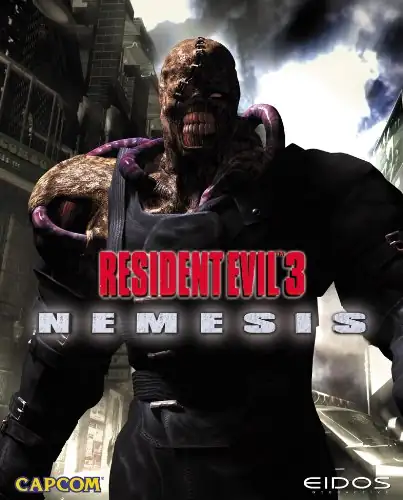
『バイオハザード3 ラストエスケープ』は 1999 年にPlayStation向けに発売され、その後 PC などへ展開されたサバイバルホラー。物語は『2』の前後 24 時間のラクーンシティが舞台で、元S.T.A.R.S. のジル・バレンタインがU.B.C.S.のカルロス・オリヴェイラと協力し、市の崩壊からの脱出を目指す。最大の脅威はS.T.A.R.S.掃討用B.O.W.「ネメシス」。エリアをまたいで追跡し、ドアを破って侵入、ロケットランチャーで圧力をかける動的なストーキングAIが緊張感を生む。ゲーム面では分岐を生む「ライブセレクション」、素早い回避・クイックターン、ガンパウダーによる弾薬合成、状況に応じて変化する難易度調整などを導入。クリア後はタイムアタック型のボーナスモード「The Mercenaries ‐ Operation: Mad Jackal」を解禁でき、装備や戦術の幅が広がる。
Upload Save File
Upload save file will orverwrite current progress and restart, do you wish to continue?
Warning
Welcome
Welcome to playing retro Windows games in your browser! To ensure your game saves properly, please exit the game and wait for Windows to shut down completely. Make sure you see the "It is now safe to turn off your computer" message before using the save functions to avoid potential disk corruption.
To save disk changes made by the game, you must manually use the following save functions:
 Save to cloud (Gold member only).
 Save to local browser storage.
 Save and download the save file.
To save disk changes made by the game, you must manually use the following save functions:
Save to cloud (Gold member only). Save to local browser storage. Save and download the save file. Don't show this again.